
DriveLock Application Control – Maximum Control Over Applications
Protect your IT environment from unwanted applications and cyber threats. With DriveLock Application Control, you decide which programs are allowed to run – reliably, flexibly and securely.
Why Application Control?
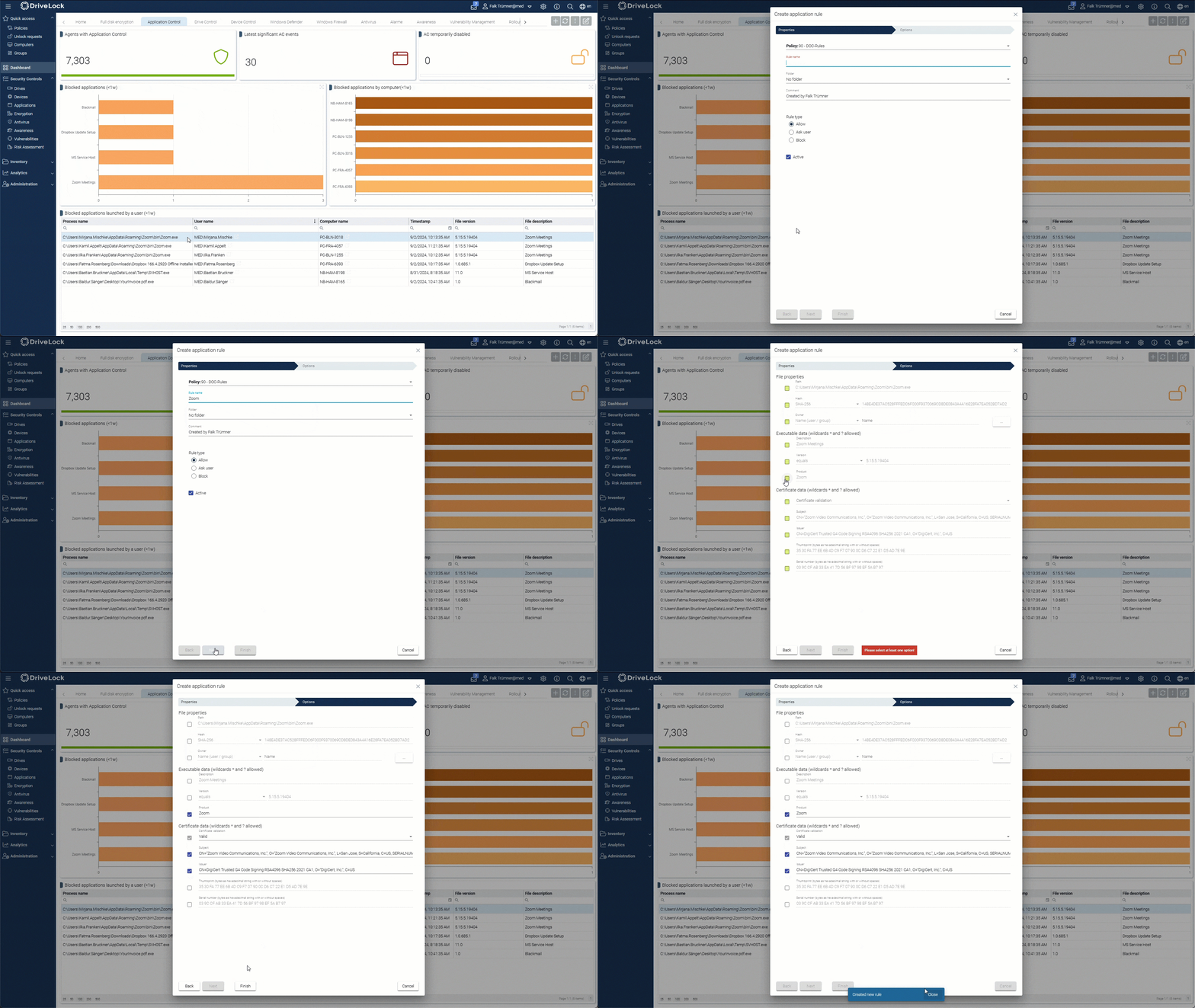
Granular Control
Define in detail which applications are allowed to run on your endpoints – both locally and remotely.
Whitelisting & Blacklisting
Clearly define which applications are allowed or blocked – for maximum security.
Minimising Security Vulnerabilities
Prevent unsafe or outdated applications from running to significantly reduce your attack surface.
Experience DriveLock in Action!
DriveLock Application Control Features at a Glance
Policy-Based Whitelisting
Erstellen Sie Richtlinien, die genau festlegen, welche Anwendungen in Ihrer IT-Umgebung erlaubt sind.
Security Updates & Patching
Keep all approved applications up to date to prevent security vulnerabilities.
Dynamic Updates
Centrally update whitelists and blacklists – changes take effect in real time.
Logging & Reporting
Maintain full visibility of all applications being run and device activities at all times.
Get Started with DriveLock Now!
Frequently Asked Questions (FAQ)
Whether you have questions about product features, use cases or technical requirements, our FAQs provide a quick overview. For individual enquiries, we are always happy to assist.
DriveLock Application Control enables precise control over all applications within your network. Only approved applications are allowed to run.
Centrally defined policies ensure that only trusted applications are allowed to run. Unwanted software is reliably blocked.
No. USB drives and removable storage devices are managed through DriveLock Device ControlApplication Control focuses exclusively on managing software applications.
Yes, all security policies comply with GDPR requirements.